
Free · Fan-Made · 2026
Grow a Garden Calculator
For Roblox Free and Updated 2026
A trade offer lands in the inbox and the item on the other side has no visible price tag. A crop finishes growing and the exact Sheckle payout stays a mystery until it sells. This Grow a Garden calculator hub turns both situations into a lookup that takes under 10 seconds instead of a guess.
Six tools cover weight, pets, mutations, fruits, trades, and a searchable item wiki. Every formula behind them is checked against real gameplay before it goes live, nothing requires a Roblox login, and every calculator updates its answer as the numbers are typed in — no submit button, no waiting.
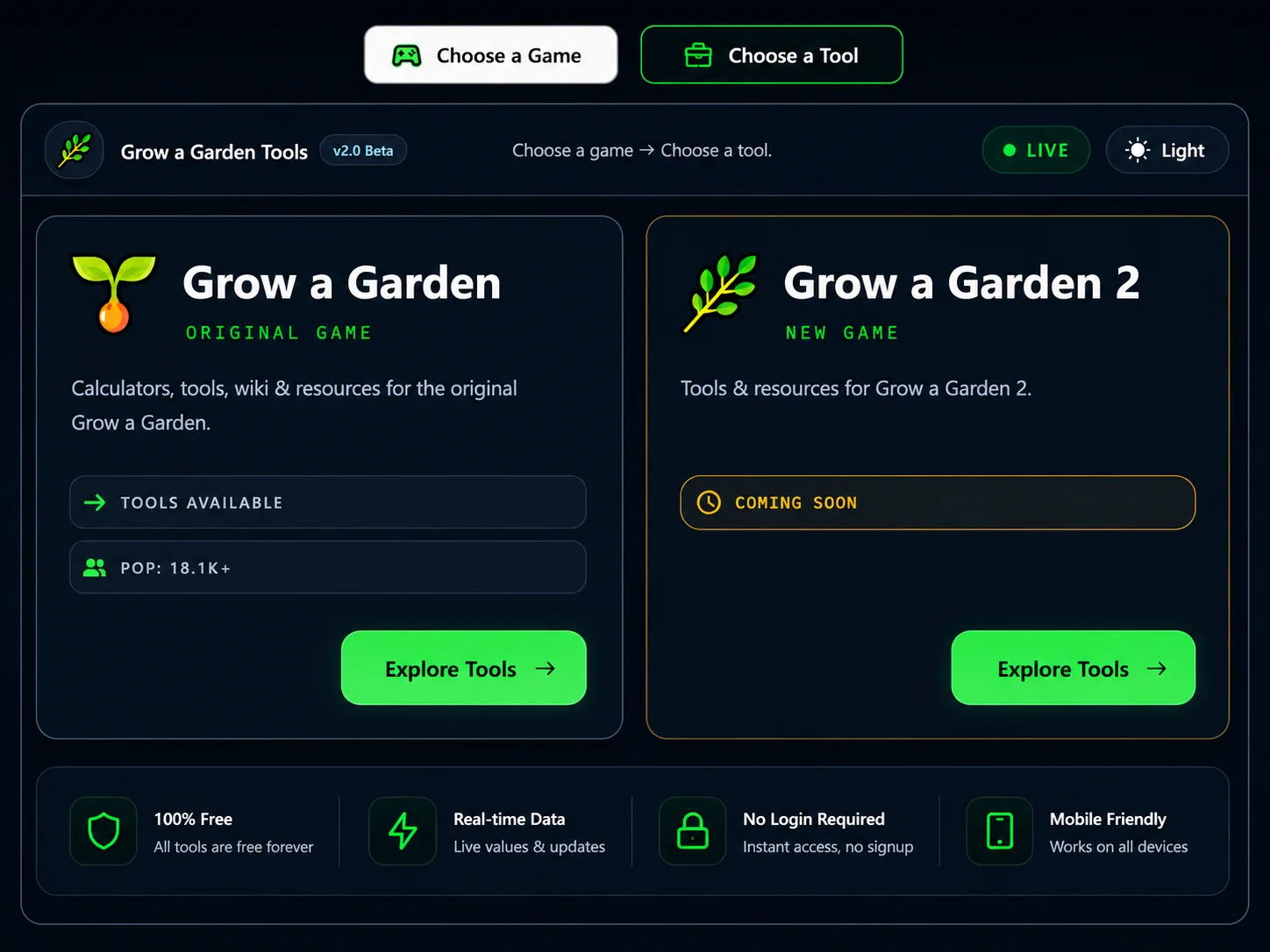
Choose a game → Choose a tool
Original Game
Calculators, tools, wiki & resources for the original Grow a Garden.
New Game
Tools & resources for Grow a Garden 2.
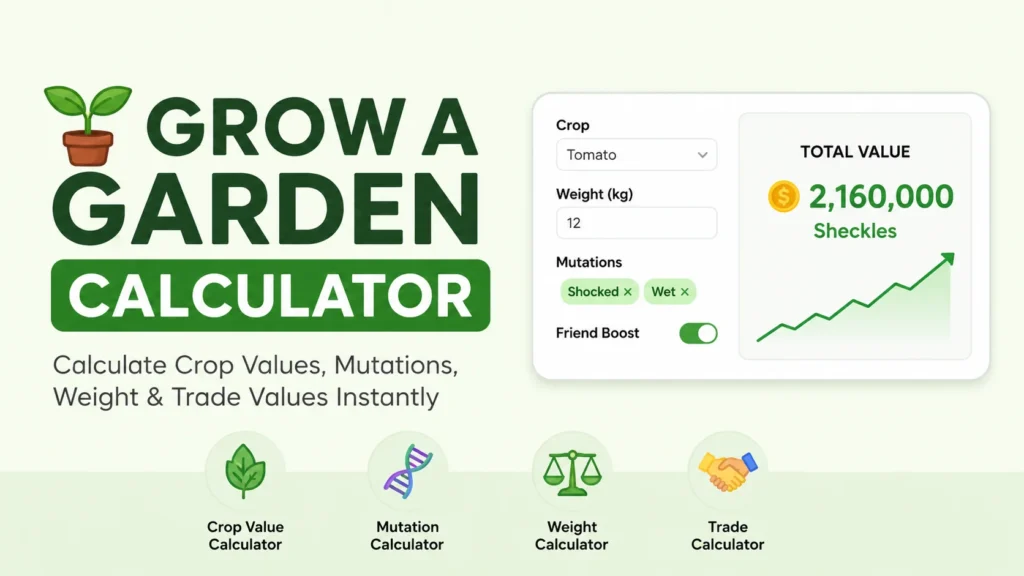
Grow a Garden Tools & Calculation Suite
Players often shorten the search to “gag calculator,” and both terms point to the same six tools on this page. Each one is a separate page built around a single calculation instead of one giant tool trying to do everything, which keeps the inputs simple and the output accurate.
The suite splits cleanly by what’s being calculated: pet weight, pet stats and XP, mutation stacking, crop and fruit pricing, and trade fairness. Pick the tool that matches tonight’s question below, or keep reading for the full breakdown of what each one does.
Grow a Garden vs Grow a Garden 2
Two versions of the game exist right now: the original Grow a Garden, and the newer Grow a Garden 2. All six calculators on this page are built for the original game’s economy, item set, and formulas — applying a value from one game to the other is one of the most common, and costly, mistakes players make in trades.
| Feature | Grow a Garden | Grow a Garden 2 |
|---|---|---|
| Calculators live | ✅ All 6 tools | 🔧 In development |
| Item data set | ✅ Complete | ⏳ Pending |
| Wiki coverage | ✅ Full wiki live | ❌ Not yet |
| Safe to mix values? | ❌ Do not mix | ❌ Do not mix |
Dedicated Grow a Garden 2 tools are in development and will publish once their formulas are checked against real gameplay data — not before, since a calculator that guesses defeats its own purpose.
What Is Grow a Garden?
Grow a Garden is a farming simulator on Roblox where players plant seeds, grow crops, hatch pets, and sell harvests for Sheckles, the in-game currency. Weather cycles, a mutation system, and an active player-to-player trading economy all sit on top of that basic loop.
A crop’s sale price is never just its base value. The full formula multiplies base price by weight, active mutations, and any stacked boosts — and weight is squared in that formula, so a crop twice as heavy sells for roughly four times as much, not double. With 300-plus crop types and well over a hundred tracked mutation combinations, running that math by hand mid-session stops being realistic fast — which is exactly the gap a dedicated Grow a Garden calculator is built to close.
What Can You Calculate With Our Grow a Garden Tools?
Six calculators cover the value systems that actually change what an item is worth in Grow a Garden. Each one is scoped to a single calculation so the inputs stay simple. The exact formula and full walkthrough for each calculation live on that tool’s own page — this section is a map to the right one.
Crop Value Calculator
Crop value depends on weight, active mutations, and any growth boosts stacked at harvest. The Fruit Calculator handles this calculation in full, including multi-harvest plants, since crop and fruit pricing run through the same value system on this site.
Open Tool →Weight Calculator
Pet weight changes with age, and the relationship isn’t a straight line. The Weight Calculator works both directions — project a pet’s weight forward from its current age, or reverse the math to find its original hatch weight.
Open Tool →Mutation Calculator
Mutations stack, and stacked multipliers compound rather than add together. The Mutation Calculator covers every tracked crop and pet mutation, plus how weather-triggered mutations combine with permanent ones.
Open Tool →Pet Calculator
A pet’s trade value depends on rarity, ability, age, and form — more moving parts than any other item type in the game. The Pet Calculator also covers XP needed to reach level 100 and real hatch odds by egg type.
Open Tool →Fruit Calculator
Fruits price differently from crops because they use a per-fruit value that then multiplies by quantity and number of plants. The Fruit Calculator keeps that separate so fruit and crop numbers never get mixed up.
Open Tool →Trade Calculator
A trade is only fair when both sides get compared with the same formula. The Trade Calculator takes both offers and returns a clear Win, Fair, or Lose result instead of a gut feeling.
Open Tool →Is Grow a Garden Calculator Free and Safe to Use?
Every tool here is fully free, with no subscription tier and nothing locked behind a paywall. Everything also runs entirely in the browser — nothing installs on the device, no Roblox login or password gets requested, and no personal data is collected during a calculation.
Closing the tab clears the session completely, since nothing saves server-side. That makes the tools fine to use on a shared family tablet, a school Chromebook, or a personal phone without leaving anything behind.
100% Free Web Tools
All six calculators work the same way every time, with no usage cap and no locked results.
No Roblox Login or Password Required
No account, sign-in, or email gets requested. Every tool loads and works immediately.
Mobile, Tablet & Desktop Optimized
Everything runs in a standard browser on phones, tablets, and computers, with no download or install step.
Grow a Garden in Action
Screens from the game — crops, mutations, pets, and trades.
Core Game Mechanics: Farming, Breeding & Weather Cycles
Three systems drive nearly every value calculation on this site: farming, pet breeding, and weather. How they interact explains why the same crop type can sell for very different prices from one harvest to the next, and it’s why a search for a roblox grow a garden calculator usually starts here instead of at a flat price list.
Farming plots regenerate on a timer, and leaving a crop in the ground longer increases its weight before harvest. Pet breeding combines two pets to produce offspring with inherited — and sometimes mutated — traits, which is why hatch results are never fully predictable. Weather cycles apply temporary mutation multipliers automatically while they’re active, and that single mechanic is the biggest reason two otherwise identical harvests can sell for different amounts. Running a crop or pet through the Mutation Calculator right after a weather event usually reveals a value change most players miss.
Explore Grow a Garden Wiki & Guides
Calculators answer what something is worth. The wiki answers what it is and how it works.
Grow a Garden Wiki & Price Database
The Grow a Garden Wiki lists every crop, pet, mutation, and gear item with its base value and rarity tier in one searchable database. When a game update changes a price or adds a new item, the wiki reflects it — the calculators on this page don’t attempt to duplicate that full database.
Grow a Garden Strategy & Leveling Guides
Strategy write-ups on mutation stacking order, harvest timing, and pet leveling efficiency are being built out and will link from this section as each one publishes. Until then, the fastest path to a specific number is still the matching calculator above.
Coming SoonHow to Use the Grow a Garden Calculators Effectively
The flow stays the same across every Grow a Garden calculator on the site, so learning it once covers all six tools. Four steps take a player from “which tool do I need” to a finished number.
Choose Your Game Edition
Confirm the game is the original Grow a Garden before entering any numbers, since Grow a Garden 2 values don’t apply here yet.
Select the Dedicated Calculator for Your Task
Pick weight, pets, mutations, fruit, or trade from the list above — each one is built for exactly one calculation.
Enter Accurate In-Game Stats
Type in the exact numbers shown in-game rather than rounded estimates; a small rounding error compounds once weight or mutation multipliers get applied.
Check and Apply Your Results
Read the output, adjust an input if something looks off, and use the number before selling or trading — not after. Running an offer through the Trade Calculator before agreeing to anything takes under 15 seconds and removes most of the guesswork from a deal.
Hands-On Experience: Why Accurate Data Matters
Notes below come from actually playing the game and building these tools, not from reading a wiki page once and writing it up.
Grow a Garden Calculator Team
Why Community Formula Verification Matters
A formula that looks right on paper can still be wrong if it was never checked against an actual harvest or hatch. Every formula on this site got tested against real in-game results before publishing, and any mismatch triggers a correction rather than staying live.
Lessons Learned From In-Game Trade Testing
The biggest surprise while testing trades was how much weight matters relative to mutations. Most players chase rare-sounding mutations first, which is reasonable, but a fully-grown heavy item with no mutation at all often beats a light item with a mid-tier one — running both through the calculators side by side made that gap obvious.
Why In-Game Values Fluctuate After Updates
Patches change base prices, add mutations, or rebalance rarity tiers, and a formula that was accurate last week can be off by a meaningful margin after an update. That’s the actual reason this site tracks patch notes closely instead of publishing a formula once and leaving it untouched.
Pros and Cons of Using an External Calculation Tool
Calculators remove guesswork, but they aren’t a replacement for checking the in-game numbers directly. Every Grow a Garden calculator on this page works the same way: type in real numbers, get a real answer back.
✅ Advantages for Fast Progression
- Exact value before selling anything
- Instant comparison before any trade
- Mutation stacking shown correctly
- Works in any browser instantly
- No login and no usage limit
⚠️ Limitations of Mathematical Modeling
- Manual input needed every time
- Can’t read live in-game data
- Formulas need updates after patches
- Grow a Garden 2 tools not live
- No offline or app version yet
Grow a Garden Gameplay Pro Tips
These four habits come up again and again in questions sent to this Grow a Garden calculator project, mostly around trade disputes and harvest timing.
Optimizing Harvest Timing
Leaving a crop in the ground longer increases its weight, and weight is squared in the value formula, so a short delay before harvesting often pays off more than switching to a different seed entirely.
Weather Forecast Planning
Weather-triggered mutations apply automatically while active, so timing a harvest to land during rain or a thunderstorm window can add a mutation multiplier for free. Checking the current weather before committing to a harvest takes a few seconds and the Mutation Calculator shows exactly what that weather is worth once applied.
Long-Term Pet Growth Investments
A pet raised patiently to a higher age and weight is usually worth more in trades than several rushed, lower-tier pets combined, since pet value compounds across rarity, age, and ability rather than adding up linearly.
Trading Discipline and Market Caution
Rarity alone doesn’t decide whether a trade is fair — the Trade Calculator comparing both sides does. Most trade losses trace back to one side skipping that check because the other item just looked impressive.
Player Progression & Farming Economy (2026 Meta)
Progression in Grow a Garden follows a rough early, mid, and late-game curve, and the right Grow a Garden calculator to reach for changes depending on which stage a player is in.
Early-Game Sheckles Farming Strategies
New players earn Sheckles fastest through quick-growing common crops rather than chasing rare seeds too early, since a fast harvest cycle beats a slow one even at a lower per-crop value.
Mid-Game Egg Hatching & Pet Stacking Cycles
Once starter Sheckles build up, hatching multiple eggs and stacking pet abilities becomes the main growth lever, and the Pet Calculator is the fastest way to compare hatch odds across egg types before spending currency.
Late-Game Multi-Harvest Crop Farming
Experienced players lean on multi-harvest plants and heavier, longer-grown crops for steady income, since the per-harvest value math from the Fruit Calculator scales better at this stage than fast-cycling common seeds.
Trading Market Mechanics & High-Tier Currency
Player-to-player trading becomes the main way to acquire high-tier pets and rare mutated items once in-game earning alone isn’t fast enough, which is exactly where checking every offer through the Trade Calculator starts to matter most.
Daily Quests and Season Event Buffs
Daily quests and limited-time seasonal events regularly hand out temporary boosts or bonus Sheckles, and stacking those with an already-favorable weather window is one of the more overlooked ways to spike a single harvest’s value.
In-Game Economy Inflation and Price Shifts
Base prices and item availability shift after major updates, sometimes pushing older “rare” items down in relative value as newer, higher-tier items enter circulation — another reason to check current numbers instead of relying on memory from a few patches back.
Frequently Asked Questions
Everything players ask most about the Grow a Garden Calculator.
Conclusion: Maximizing Your Garden Yield
Grow a Garden rewards patience and precise numbers more than guesswork. Timing a harvest for maximum weight, stacking the right mutation combination, or checking a trade before accepting it all come down to the same habit — knowing the real number before making a move, not after.
This Grow a Garden calculator hub covers six tools in total, so pick whichever one matches tonight’s question — Weight, Pet, Mutation, Fruit, or Trade — and bookmark this page for the next one. New mutations and updates get added to the Wiki as soon as they’re confirmed against real gameplay.
About This Fan-Made Grow a Garden Website
This site is built and maintained by a player, not a studio. Every roblox grow a garden calculator search that lands here gets pointed at whichever of the six tools matches the question, then back to the Wiki for anything the calculators don’t cover — built around formulas checked against actual in-game results, not assumptions carried over from another game.